For facilities, logistics and property managers
Build your own storm alerts.
Check your sites on a schedule with our data. Your own tool sends the message. We supply the weather; you send the alert.
500 sites checked every hour: about $2.40 a day.

Plain money math
Facilities, logistics, property managers
Quiet sites stay quiet. Only sites with an active severe alert become a message, sent by your own tool. Cheap enough to check every hour.
How it works
Three steps. One message out.

Keep a list of your sites
A list of up to 500 locations.

Your script checks every hour
It asks us for weather and any severe alert at each one.
You send the message
Your own Slack, text or email, only when it matters.
How it works
Your list in. One message out.
Your script checks on a schedule. Quiet sites stay quiet. A site with an active alert becomes a message.
- Austin officeAll clear
- Dallas depotAll clear
- Waco yardAll clearAlert
- Tulsa warehouseAll clear
- Denver hubAll clear
- Omaha storeAll clear
- Atlanta siteAll clear
- Phoenix plantAll clear
Waco yard: an active alert was returned for this location.
Sent by your script a moment after the batch call.Illustration of the flow. The sites and the alert are made up. Real alert data comes from the API response; TrueFixR does not send the message.
Easiest way to start
Just ask your AI.
Copy this, paste it into ChatGPT or Claude, and it does the work for you. It checks one place for free, then shows you how to watch your whole list.
Using the TrueFixR storm API (https://data.truefixr.com/llms.txt), help me build my own storm alerts for my list of sites. Check the county forecast status for each and tell me which ones to watch. TrueFixR does not send alerts, so I will send them myself. Show me the price first. My key: YOUR_KEY
Paste it into ChatGPT or Claude, swap in your address and your key.
More detail for your AI
I am not a programmer. Please help me build my own storm alerts for a list of places (sites, offices, customers).

Base URL: https://data.truefixr.com
Docs: https://truefixr.com/docs.html
Free menu of everything the API offers: https://data.truefixr.com/v1/data
My API key is YOUR_KEY. Paid calls need the header Authorization: Bearer YOUR_KEY. Free previews need no key.

What to do, in this order:
1. Ask me for one place (an address, or a latitude and longitude).
2. Free preview first: GET https://data.truefixr.com/v1/data?dataset=weather&lat=[LAT]&lon=[LON]. It shows current conditions and any active storm alerts for that place, including wind speed. Explain it in plain words.
3. For my whole list, use POST https://data.truefixr.com/v1/weather/batch with body {"locations":[{"lat":30.27,"lon":-97.74,"label":"Austin office"}]}. Up to 500 places per call, $0.0002 per place. Each place comes back with an alerts list. An empty list means no active alert right now.
4. Tell me the exact price for my list BEFORE you make the paid call, and ask me first. Never make a paid call without asking.
5. Show me, step by step, how to run this every hour and send myself a message (my own Slack, email or text; TrueFixR does not send alerts) for any place that has an active alert. Tell me exactly what to click or paste.

Rules for you:
- If you cannot call web addresses yourself, give me the exact link to open in my browser and I will paste back what I see.
- Talk to me like I am not a programmer. Short steps, plain words.
- This is a data feed of reported and radar-detected storm events. It is not an official warning service. For safety decisions, tell me to follow official weather alerts.
How to use it. 1. Press Copy. 2. Open Claude or ChatGPT and paste. 3. Swap YOUR_KEY for your key from Get started, or leave it and stay on the free previews.
Also: ML Storm Forecast by Address
See the addresses before the storm.
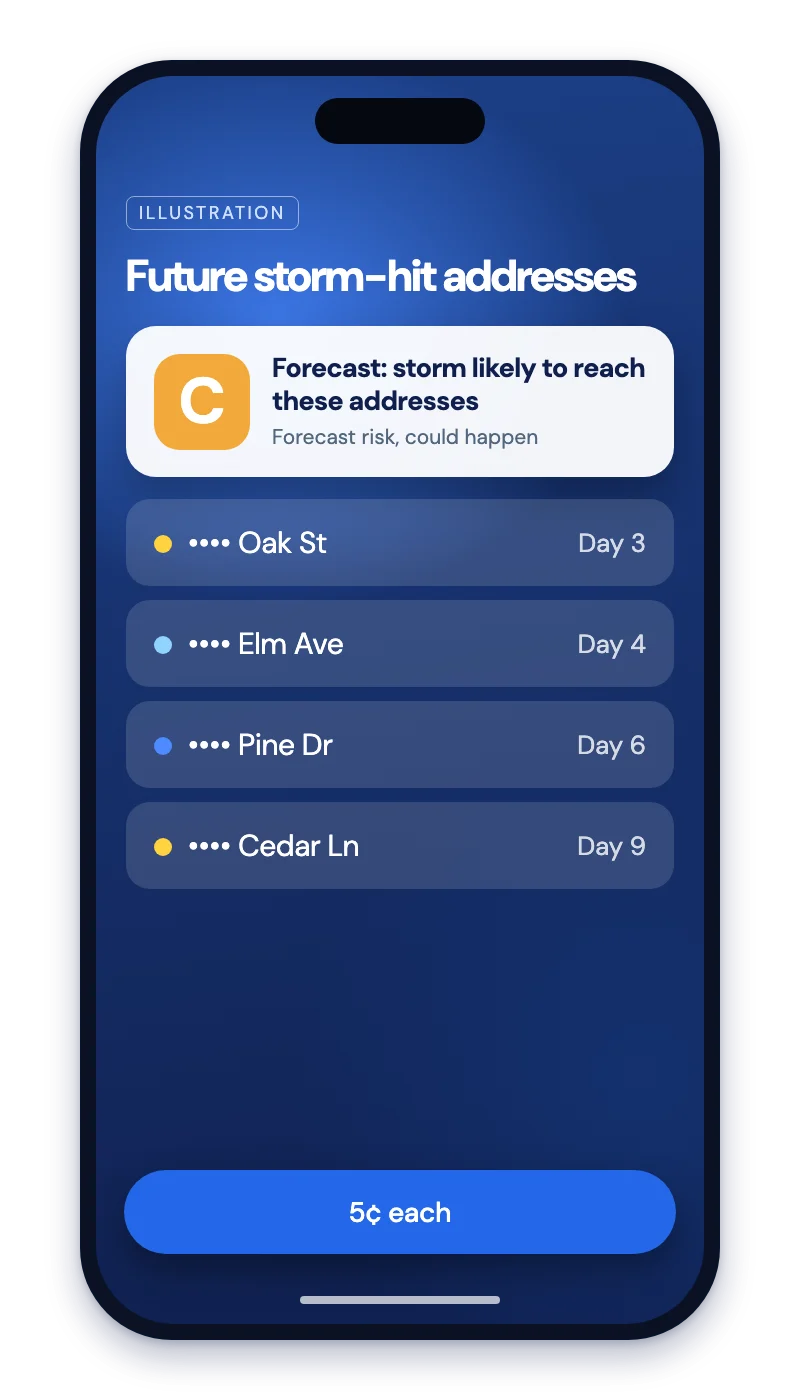
Severe alerts tell you a storm is here. ML Storm Forecast by Address lists the addresses a storm could reach in the next 24 hours to 10 days, with the structure value and people at each. It costs $0.05 per address. It is a forecast: it could happen, it is not a promise.
Powered by atlasunited.io
For developers: the code
Have a developer?
One request. Up to 500 locations.
Your list is sent fresh each time. $0.0002 per location. Each location comes back with current conditions and any alerts.
Send
curl -X POST https://data.truefixr.com/v1/weather/batch \
  -H "Authorization: Bearer YOUR_API_KEY" \
  -H "Content-Type: application/json" \
  -d '{"locations": [
        {"lat": 30.27, "lon": -97.74, "label": "Austin office"},
        {"lat": 32.78, "lon": -96.80, "label": "Dallas depot"}
      ]}'
Without a balance you get
HTTP/2 402
{"x402Version": 2, "error": "Payment required",
 "accepts": [{"scheme": "exact", "network": "eip155:8453",
              "amount": "200", ...}], ...}
Real response from the live batch route with no payment attached. The price is accepts[0].amount in atomic USDC (200 = $0.0002), before you pay.
Get back
{
  "results": [
    {
      "lat": 30.27,
      "lon": -97.74,
      "current": {"temperature_f": 78.0},
      "alerts": []
    }
  ]
}The batch response shape as the route describes it: a results list, each with lat, lon, current and alerts. An empty alerts list means no active alert right now. We did not make a paid batch call for this page.
Free preview, one location
{
  "location": {"lat": 32.784859, "lon": -96.802979},
  "valid_time": "2026-10-03T09:00:00+00:00",
  "alerts": [],
  "nowcast": {"precip_rate_inhr": 0.0, "raining_now": false,
              "source": "precipitation nowcast"},
  "temperature_f": 71.075,
  "wind_gust_mph": 12.2008,
  "dataset": "weather",
  "billed": false
}
A real, free, trimmed call. It uses the same weather engine and the same alerts field.
The code
Read a file. Ask once. Post the active ones.
This is your own script. Put your sites in locations.csv with the columns label,lat,lon. The script sends up to 500 per call, keeps the locations that have alerts, and posts one message to your own Slack-style webhook (not ours; TrueFixR has no webhooks). It remembers what it already sent, so an hourly run does not repeat itself.
import csv, json, os, sys, requests

BASE = os.environ.get("TRUEFIXR_URL", "https://data.truefixr.com")
KEY = os.environ["TRUEFIXR_KEY"]
WEBHOOK = os.environ["ALERT_WEBHOOK_URL"]  # placeholder: your Slack-style incoming webhook
SEEN = os.environ.get("SEEN_FILE", "seen.json")  # remembers what we already sent


def load(path):
    with open(path, newline="") as f:
        return [{"label": r["label"], "lat": float(r["lat"]), "lon": float(r["lon"])}
                for r in csv.DictReader(f)]


def batches(items, n=500):  # the route takes up to 500 locations per call
    for i in range(0, len(items), n):
        yield items[i:i + n]


def active(sites, results):
    """Pair each result with its site and keep the ones with at least one alert."""
    out = []
    for site, res in zip(sites, results):  # results come back in request order
        alerts = res.get("alerts") or []
        if alerts:
            out.append((res.get("label") or site["label"], alerts))
    return out


def name(alert):
    return alert.get("event", str(alert)) if isinstance(alert, dict) else str(alert)


def main(path):
    sites = load(path)
    try:
        seen = set(json.load(open(SEEN)))
    except FileNotFoundError:
        seen = set()
    lines = []
    for chunk in batches(sites):
        r = requests.post(f"{BASE}/v1/weather/batch", json={"locations": chunk},
                          headers={"Authorization": f"Bearer {KEY}"}, timeout=60)
        r.raise_for_status()
        for label, alerts in active(chunk, r.json()["results"]):
            for a in alerts:
                k = f"{label}|{name(a)}"
                if k not in seen:
                    seen.add(k)
                    lines.append(f"{label}: {name(a)}")
    if lines:
        requests.post(WEBHOOK, json={"text": "Active alerts\n" + "\n".join(lines)}, timeout=30)
    json.dump(sorted(seen), open(SEEN, "w"))
    print(f"{len(sites)} sites checked, {len(lines)} new alerts sent")


if __name__ == "__main__":
main(sys.argv[1] if len(sys.argv) > 1 else "locations.csv")import { readFileSync, writeFileSync, existsSync } from "node:fs";
const BASE = process.env.TRUEFIXR_URL ?? "https://data.truefixr.com";
const KEY = process.env.TRUEFIXR_KEY;
const WEBHOOK = process.env.ALERT_WEBHOOK_URL; // placeholder: your Slack-style incoming webhook
const SEEN = process.env.SEEN_FILE ?? "seen.json"; // remembers what we already sent
const load = (path) =>
readFileSync(path, "utf8").trim().split("\n").slice(1).map((line) => {
const [label, lat, lon] = line.split(",");
return { label, lat: Number(lat), lon: Number(lon) };
});
const name = (a) => (typeof a === "object" && a !== null ? a.event ?? JSON.stringify(a) : String(a));
// Pair each result with its site (results come back in request order), keep those with alerts.
export const active = (sites, results) =>
results.flatMap((res, i) =>
(res.alerts ?? []).length ? [[res.label ?? sites[i].label, res.alerts]] : []);
async function main(path) {
const sites = load(path);
const seen = new Set(existsSync(SEEN) ? JSON.parse(readFileSync(SEEN, "utf8")) : []);
const lines = [];
for (let i = 0; i < sites.length; i += 500) { // up to 500 locations per call
const chunk = sites.slice(i, i + 500);
const r = await fetch(`${BASE}/v1/weather/batch`, {
method: "POST",
headers: { "Content-Type": "application/json", Authorization: `Bearer ${KEY}` },
body: JSON.stringify({ locations: chunk }),
});
if (!r.ok) throw new Error(`HTTP ${r.status}`);
for (const [label, alerts] of active(chunk, (await r.json()).results))
for (const a of alerts) {
const k = `${label}|${name(a)}`;
if (!seen.has(k)) { seen.add(k); lines.push(`${label}: ${name(a)}`); }
}
}
if (lines.length)
await fetch(WEBHOOK, { method: "POST", headers: { "Content-Type": "application/json" },
body: JSON.stringify({ text: "Active alerts\n" + lines.join("\n") }) });
writeFileSync(SEEN, JSON.stringify([...seen].sort()));
console.log(`${sites.length} sites checked, ${lines.length} new alerts sent`);
}
if (process.argv[1] === new URL(import.meta.url).pathname) await main(process.argv[2] ?? "locations.csv");Run it
export TRUEFIXR_KEY=your_api_key
export ALERT_WEBHOOK_URL=https://hooks.example.com/PLACEHOLDER
python3 monitor.py locations.csv
Want email instead?
smtplib in Python or any mail library in Node, and send the same lines as the message body. The filtering is the same.4 sites checked, 1 new alerts sent 4 sites checked, 0 new alerts sent
Output from both scripts against a local mock server we wrote, with 4 test sites and a made-up alert text. The second run sends nothing because the alert was already sent. A 1,200 site file was split into 3 calls of 500, 500 and 200 with no error.
Scheduling
Check every hour.
Pick the one you already use. Weather data refreshes hourly, so hourly is the natural rhythm.
Cron
# crontab -e   (hourly, at minute 5)
5 * * * * cd /opt/site-alerts && TRUEFIXR_KEY=your_key ALERT_WEBHOOK_URL=https://hooks.example.com/PLACEHOLDER python3 monitor.py locations.csv
GitHub Actions
name: Site alerts
on:
  schedule:
    - cron: "5 * * * *"   # every hour at minute 5 (UTC)
  workflow_dispatch:
jobs:
  check:
    runs-on: ubuntu-latest
    steps:
      - uses: actions/checkout@v4
      - uses: actions/setup-python@v5
        with:
          python-version: "3.12"
      - run: pip install requests
      - run: python monitor.py locations.csv
        env:
          TRUEFIXR_KEY: ${{ secrets.TRUEFIXR_KEY }}
          ALERT_WEBHOOK_URL: ${{ secrets.ALERT_WEBHOOK_URL }}
Serverless (AWS)
service: site-alerts
provider:
  name: aws
  runtime: python3.12
  environment:
    TRUEFIXR_KEY: ${env:TRUEFIXR_KEY}
    ALERT_WEBHOOK_URL: ${env:ALERT_WEBHOOK_URL}
functions:
  check:
    handler: handler.run
    timeout: 60
    events:
- schedule: rate(1 hour)# handler.py (Lambda): bundle requests with your deploy package
from monitor import main
def run(event, context):
main("locations.csv") # set SEEN_FILE=/tmp/seen.json; /tmp is not durableCost
Cheap enough to check every hour.
500 locations, checked every hour for a day.
500 x 24 = 12,000 lookups
12,000 x $0.0002 = $2.40
You pay per location, $0.0002 each. The free preview shows the price before you commit.
Honest limits
What this is and is not.
Hourly data
Weather data refreshes hourly. Checking more often than once an hour will mostly return the same answer.
Not a warning service
This is a data feed for your software. It is not an official warning service, and TrueFixR is not affiliated with NOAA or the National Weather Service. For safety decisions, follow official weather alerts.
Your data. Your template. Your brand. Everything comes back as JSON you can save (lists also as CSV with format=csv).
Start free in 2 minutes. No contract.
Try the free preview first. Add money to your balance only when you want the full answer. You pay only for what you use.
- Free previews
- No contract
- Pay only for what you use